Video Description
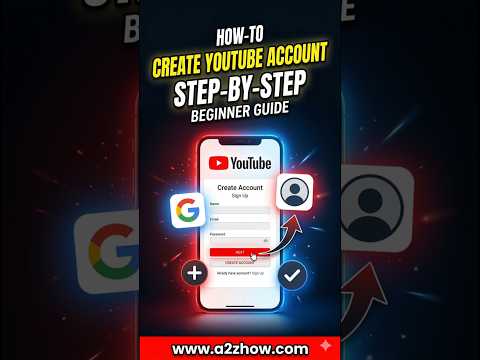
To create a YouTube account, navigate to the YouTube website or open the mobile app and select the Sign In option. Click on Create account and choose between a personal account or one for managing a business. Follow the onscreen instructions by entering your name, email address, and a secure password to complete the registration process. This allows you to like videos, subscribe to channels, and begin uploading your own content immediately.
The process follows a simple instructional flow. First, locate the sign-in button in the top right corner of the homepage. If you do not have a Google account, the system will prompt you to create one as they are linked. Provide your basic details and verify your identity through the requested security steps. Once verified, you can access the YouTube Studio to customize your profile and manage your digital presence effectively.
Many users often ask how can I make a YouTube account on my phone versus a desktop. The steps remain consistent across devices. If you are wondering how to set up YouTube without a phone number or how to link an existing non-Google email, this guide addresses those conversational queries. Understanding these variations ensures that anyone can join the platform regardless of their technical background or hardware choice.
This channel serves as a dedicated resource for clear and professional tech tutorials. We prioritize high-authority information to help beginners navigate digital platforms with confidence. By providing structured and easy-to-follow advice, we ensure that your transition into the world of online video creation is as smooth as possible. Our expertise is focused on removing technical barriers so you can focus on engagement and discovery.
Which part of the account setup process was the most confusing for you? If you found this helpful, you might also want to see our guide on how to customize your new channel layout. Feel free to subscribe for more straightforward tutorials.
#howtocreateayoutubeaccount #youtubeaccountforbeginners #startingayoutubechannel #youtubetutorial