视频说明
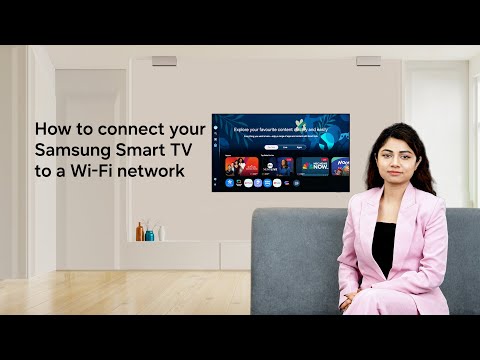
By connecting your Smart TV to Wi-Fi, you can stream videos and download TV apps! Follow these simple steps to find out how! #Samsung
Step 1: Press the ‘Home’ button on your Samsung remote
Step 2: Navigate to ‘Settings’
Step 3: Choose 'All Settings' and select 'Connections'
Step 4: Choose 'Network' then 'Network Settings' and select 'Wireless'
Step 5: Select your Wi-Fi network and enter password (if prompted)
Step 6: Select Done and click OK
Q: Why connect your Samsung Smart TV to a Wi-Fi network?
A: With a Wi-Fi connection, you can stream videos and download TV apps in your Samsung Smart TV.
00:00 Why connect your Samsung Smart TV to Wi-Fi
00:17 How to connect to Wi-Fi
01:06 Conclusion
Connect with us:
Visit Samsung Digital Service Center here: http://smsng.co/6051BBMjpc
Community: http://smsng.co/6052BBMjpY
Facebook: http://smsng.co/6053BBMjpl
Twitter: http://smsng.co/6054BBMjpm
Instagram: http://smsng.co/6055BBMjpW
To enroll under:
Samsung Student program, click: http://smsng.co/6056BBMjpo
Samsung Referral program, click: http://smsng.co/6057BBMjpU