视频说明
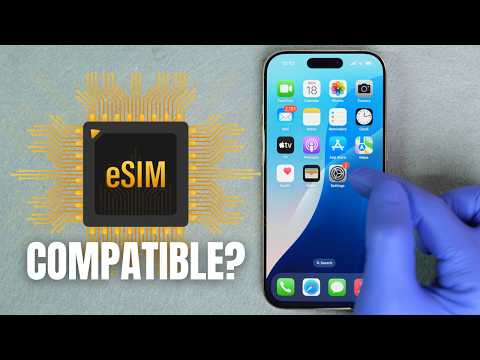
Is Your iPhone eSIM Compatible? In this short and easy tutorial, we’ll show you how to check if your iPhone is eSIM compatible and if it’s unlocked to use with any network.
✅ Works for iPhone XR, XS, 11, 12, 13, 14, 15, 16 and more
✅ Fast method using your iPhone settings
✅ Learn how to check if your phone is unlocked
Get your eSIM from SIMABROAD.com the most reliable eSIM provider with service in over 200+ countries ➡️ https://simabroad.com/
📲 Need to verify or unlock your iPhone?
👉 Use your IMEI number at: https://www.unlockriver.com
✔️ eSIM Status Check ➡️ https://unlockriver.com/esim-info-check
✔️ Carrier Unlock ➡️ https://unlockriver.com/unlock-phone
✔️ IMEI Full iPhone Report ➡️ https://unlockriver.com/apple-full-info-check-gsx
🎥 Subscribe for more iPhone tutorials & tech tips!
📩 Questions? Drop them in the comments—we’re here to help.
🛑 DISCLAIMER: This video is for educational purposes only. We promote safe and legal ways to check and unlock your phone.
⏱️ Timestamps:
• 00:00 – Intro: How to check eSIM compatibility on iPhone
• 00:10 – Step 1: Check iPhone eSIM support
• 00:45 – Step 2: Check if your iPhone is unlocked
• 01:16 – Step 3: Unlock iPhone from any carrier
• 01:39 – eSIM Data Plan SIMABROAD.com
• 01:05 – Use UnlockRiver to verify or unlock your iPhone
• 02:11 – Outro: You’re all set!
#iPhoneeSIM #UnlockiPhone #eSIMCompatible #iOS #TechTips