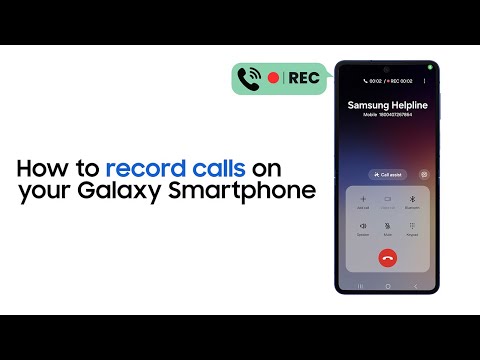
视频说明
Want to keep notes of your important office calls without making any actual notes? Simply hit call record. Watch the video to learn how you can record calls on your Galaxy Smartphone and where can you listen to them on your phone. #Samsung #GalaxyAI
00:00 Introduction
00:17 How to record a call manually
00:54 How to auto-record calls
01:44 How to listen to call recordings
02:00 Conclusion
Q: Can your Galaxy Smartphone automatically record calls?
A: Yes, it can. All you have to do is go to your phone app and tap on three-dot menu to explore more control options. From there, go to settings, tap record calls, and turn on Auto Record Calls. You can even select if you want to auto-record any specific calls like only unsaved numbers, selected contacts and such.
Q: Do you need a separate app to record calls?
A: No. Call Recording is an in-built feature in Galaxy Smartphones. To access it, you need to follow a series of simple steps and you will be able to record calls without using any third-party apps.
Connect with us:
Visit Samsung Digital Service Center here: http://smsng.co/6050BBjrrp
Community: http://smsng.co/6053BBjrrX
Facebook: http://smsng.co/6054BBjrrk
Twitter: http://smsng.co/6055BBjrrZ
Instagram: http://smsng.co/6056BBjrrw
To enroll under:
Samsung Student program, click: http://smsng.co/6057BBjrrb
Samsung Referral program, click: http://smsng.co/6058BBjrrj