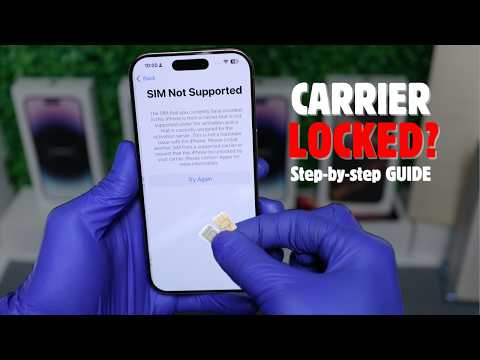
Unlock Your iPhone from Any Carrier – iPhone 16, 16 Plus, 16 Pro, 16 Pro Max & More! 📱
Struggling with a carrier-locked iPhone? Seeing the annoying "SIM Not Supported" or "SIM Not Valid" error? In this tutorial, I’ll show you how to unlock your iPhone from any carrier and remove SIM restrictions permanently.
✅ Works for iPhone 16, 16 Plus, 16 Pro, 16 Pro Max & Older Models (iPhone 15, 14, 13, etc.)
✅ Unlocks eSIM & Physical SIM iPhones
✅ 100% Safe, Legal & Permanent Carrier Unlock
✅ Fixes "SIM Not Supported" & "SIM Not Valid" Issues
Unlock Your iPhone from Carrier Here: https://UnlockRiver.com
iCloud / Activation Unlock tutorial: https://unlockriver.com/icloud-unlock
Download iTunes: https://support.apple.com/en-us/106372
🔓 Why Unlock Your iPhone?
Use any SIM card worldwide 🌍
Fix iPhone SIM Not Supported errors
Increase your iPhone’s resale value 💰
Avoid expensive roaming charges ✈️
Works with Carriers Like:
AT&T, T-Mobile, Verizon, Sprint, Vodafone, O2, Claro, Movistar, Orange, Three, and more!
💬 Need Help? Contact:
[email protected]
🔔 Subscribe for More iPhone Unlocking Tutorials!
📌 Timestamps:
00:00 Intro
00:20 What is a Carrier Unlock?
00:30 Methods to unlock iPhone from carrier
01:13 Step 1: Find IMEI Number
01:33 Step 2: Request Unlock (Carrier Unlock Process)
02:32 Step 3: Activating the Unlock
02:44 iPhone 16 Carrier Unlock SUCCESS!