视频说明
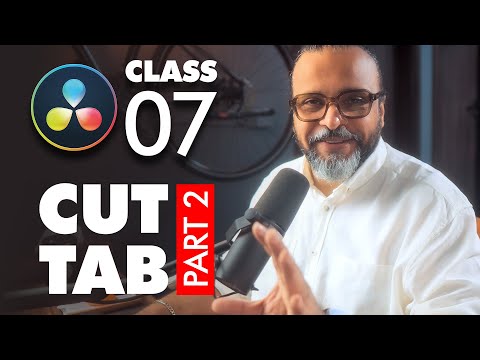
Welcome to Class 7 of the DaVinci Resolve Complete Course. In this lesson, we continue with the Cut Page and dive deeper into its essential tools to see the Secrets You Need to Know. You’ll learn how to split a clip quickly and explore the powerful options available in the preview window such as Transform, Composite, and Dynamic Zoom. These features will help you adjust framing, create simple animations, and add cinematic motion to your videos without leaving the Cut Page. By the end of this class, you’ll have a stronger understanding of why the Cut Page is such a fast and creative environment for editing compared to the Edit Page.
? Don’t forget to check out the full playlist to follow along with every class in this beginner-friendly DaVinci Resolve course.
https://www.youtube.com/playlist?list=PLW-zSkCnZ-gA98O6OLuL4hGSN8LiPJ9vV
Join GFXMentor Nation (Official Facebook Group)
https://www.facebook.com/groups/gfxmnation
Follow me on Instagram
https://www.instagram.com/GFXMentor
Follow me on Facebook:
https://www.facebook.com/GFXMentor
Subscribe to my second channel named "Immmi"
https://www.youtube.com/Immmi
*IMPORTANT*
Please only use and share embed code of the original video.
Third party downloads and distribution is not permitted.
My name is Imran Ali Dina, and I am a seasoned Graphic Design Trainer having experience of 20+ years. I've started this training for anyone who wants to learn Graphic Designing for FREE in a professional way.
Photoshop for Beginners Series Playlist:
https://www.youtube.com/playlist?list=PLW-zSkCnZ-gA5Jn6gZtUa6-aG0OoRZyb6
Here's the complete playlist of Adobe Illustrator Training so far, I suggest, if you are new to Adobe Illustrator you should watch whole playlist from the beginning:
https://www.youtube.com/playlist?list=PLW-zSkCnZ-gCq0DjkzY-YapCBEk0lA6lR
www.youtube.com/GFXMentor