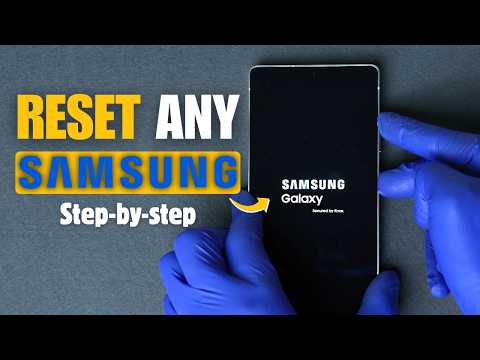
How to Hard Reset Samsung Galaxy Phones – Quick Factory Reset Tutorial
Need to hard reset your Samsung phone and bring it back to factory settings? Whether you've forgotten your Password/pattern or you're trying to fix issues, erase all data, or prepare your device for resale, this video shows you how to do a hard reset on any Samsung Galaxy model in under 90 seconds.
⚠️ WARNING: This will erase all data from your device. Make sure to back up your important files before performing a factory reset.
🎯 Works for Samsung Galaxy S25 Ultra, S24, S23, S22, Note 20, A-Series, Fold, Flip & More!
📌What You’ll Learn in This Video:
✅ How to enter recovery mode on Samsung
✅ How to perform a factory data reset
✅ Step-by-step hard reset instructions
✅ What happens after reset – and how to reboot
📌What a Hard Reset on your Samsung Galaxy is good for?
- Fix performance issues and app crashes
- Erase your phone before selling or trading in
- Clear all personal data and settings
- Troubleshoot forgotten password issues (FRP warning applies)
📧 Need Help unlocking your Samsung Galaxy? Contact
[email protected] for Carrier unlock, FRP unlock, ...or any other unlocking solutions.
👍 Don’t forget to Like & Subscribe for more Tech tips!
---
🔗 Usefull links:
📌 Unlock any Samsung Galaxy from any carrier Now ➡️ https://unlockriver.com/unlock-phone
📌 Check If Your Samsung is Blacklisted ➡️ https://unlockriver.com/checkService/premium-blacklist-checker
🕒 Timestamps:
📌 00:00 Intro: HOW TO HARD RESET SAMSUNG | Quick Factory Reset Tutorial
📌 00:06 Backup Warning Before Reset
📌 00:11 Entering Recovery Mode
📌 00:50 Wipe Data/Factory Reset
📌 01:18 Confirming Reset & Reboot
📌 01:21 Reset Complete & Final Steps
📌 01:25 Outro