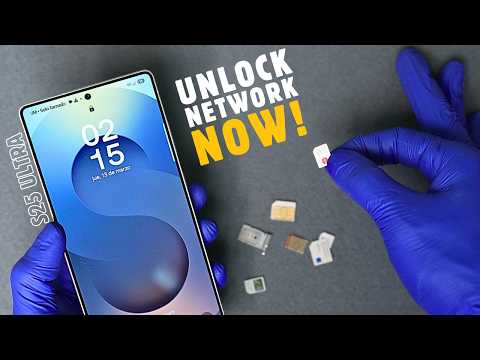
Is your Samsung Galaxy locked to a network and preventing you from using a different SIM card?
Getting Your Galaxy S25 Ultra completely carrier-Free is easy. In this quick guide, I'll show you how to unlock your network-locked Samsung Galaxy S25 Ultra from any carrier so you can use any SIM card or eSIM worldwide.
🎯 Works for Samsung Galaxy S25 Ultra, S24, S23, S22, Note 20, A-Series, Fold, Flip & More!
🔗 Useful links:
📌 Unlock Samsung Galaxy S25 Ultra Now ➡️ https://unlockriver.com
📌 Check If Your Phone is Blacklisted ➡️ https://unlockriver.com/blacklist-check
📌 Blacklist phone check video tutorial ➡️ https://youtu.be/nL6Wtpa0DeE
🔓 Unlocking any samsung network locked phone will allow you t:
✔ Switch to any carrier worldwide (AT&T, T-Mobile, Verizon, Vodafone, etc.)
✔ Save on roaming fees while traveling
✔ Increase your phone’s resale value
✔ Use any SIM card or eSIM (physical or digital unlock)
⚠ DISCLAIMER: This video is an educational guide to legally unlock your Samsung S25 device from any carrier. We do NOT support unlocking lost or stolen phones. This is a safe, legal process—no bypass, hacking, or unauthorized unlocking methods are shown.
📧 Need Help? Contact
[email protected] for IMEI checks & unlocking solutions.
📌 00:00 Intro
📌 00:25 Step 1: Find your IMEI number
📌 00:50 Step 2: Carrier unlock Service
📌 00:58 Step 3: Request unlock
📌 01:40 Step 4: Unlock Email confirmation
📌 01:54 Step 5: Insert new sim/e-sim and Unlock Code
📌 02:25 Step 6: Unlock Samsung network locked phone successful
📌 02:32 Step 7: Unlock verification Call
📌 02:38 Outro