影片說明
How to check iPhone Activation Date using just your IMEI number!
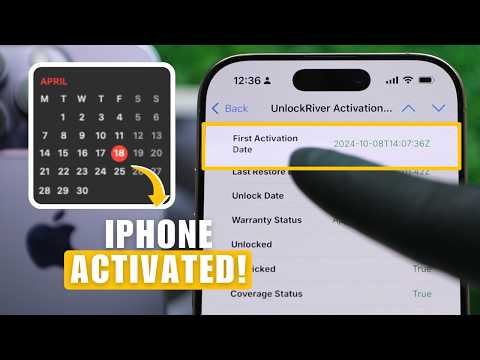
In this quick tutorial, we show you how to check iPhone activation date accurately and easily, along with other important details like whether it's unlocked, iCloud locked, under warranty, or managed by a company.
Perfect if you just bought a new iPhone, or want to verify if it’s refurbished, unlocked, or clean before using it.
Follow along and learn how to get your full "Activation Day Check" report and discover the exact activation date of your iPhone.
In this video, we'll show you:
- How to find your iPhone's IMEI number
- How to access UnlockRiver and run your "Activation Day Check"
- How to read and understand your iPhone's full report
🔗 Useful links:
📌 Run Activation Day Check ➡️ https://unlockriver.com/imei-check
📌Activation Policy Check here ➡️ https://unlockriver.com/apple-check
📌 Unlock any Phone ➡️ https://unlockriver.com/
✅ What you’ll get in this report:
- First Activation Date
- iCloud Lock Status
- AppleCare & Warranty Info
- Unlock & Carrier Lock Status
- MDM Lock (Corporate Control Check)
Works on all models including iPhone 16, iPhone 15, iPhone 14, iPhone 13, iPhone12, iPhone 11, iPhone x, iPhone 9, iPhone 8, iPhone 7 and older.
Timestamps:
00:00 Intro - How to Check iPhone Activation Date with IMEI
00:09 Find Your iPhone IMEI Number
00:24 Access UnlockRiver Activation Day Check
01:12 How to Read Your Activation Report
01:40 What Information You Get in the Report
01:54 Final Tips and Outro
#CheckiPhoneActivationDate #iPhoneIMEI #UnlockRiver #howto