影片說明
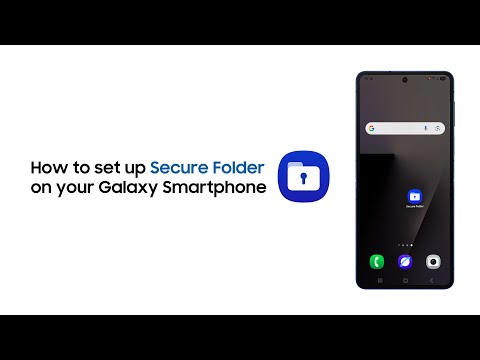
Did you know you can secure your personal files and more on your Samsung Galaxy Smartphone in a secured folder? And the best part – it is protected by Knox Security. Know how you can use this feature and protect your files. #Samsung #GalaxyAI
00:00 Introduction
00:08 Steps to create the folder
01:09 Conclusion
Q: How can one access the Secure Folder on Samsung Galaxy smartphone?
A: You can easily access the Secure Folder on Samsung Galaxy smartphone using any of these locks: PIN, Password, or Pattern Lock. You can set it while creating the Secure Folder.
Q: What is Knox Security?
A: Samsung Knox is a defense-grade, hardware-backed security platform built into Samsung Galaxy devices. It provides real-time, 24/7 protection against hacking, malware, and data theft by isolating sensitive data (passwords, biometrics) and employing secure encryption, ensuring data safety.
Connect with us:
Visit Samsung Digital Service Center here: http://smsng.co/6053B88GCJ
Community: http://smsng.co/6054B88GCK
Facebook: http://smsng.co/6055B88GCz
Twitter: http://smsng.co/6056B88GCM
Instagram: http://smsng.co/6057B88GC3
To enroll under:
Samsung Student program, click: http://smsng.co/6058B88GCO
Samsung Referral program, click: http://smsng.co/6059B88GCP